
The Home screen
Five cards — your rings, your food, one thing that matters now, the nutrients that count, and your body.
Pick a day
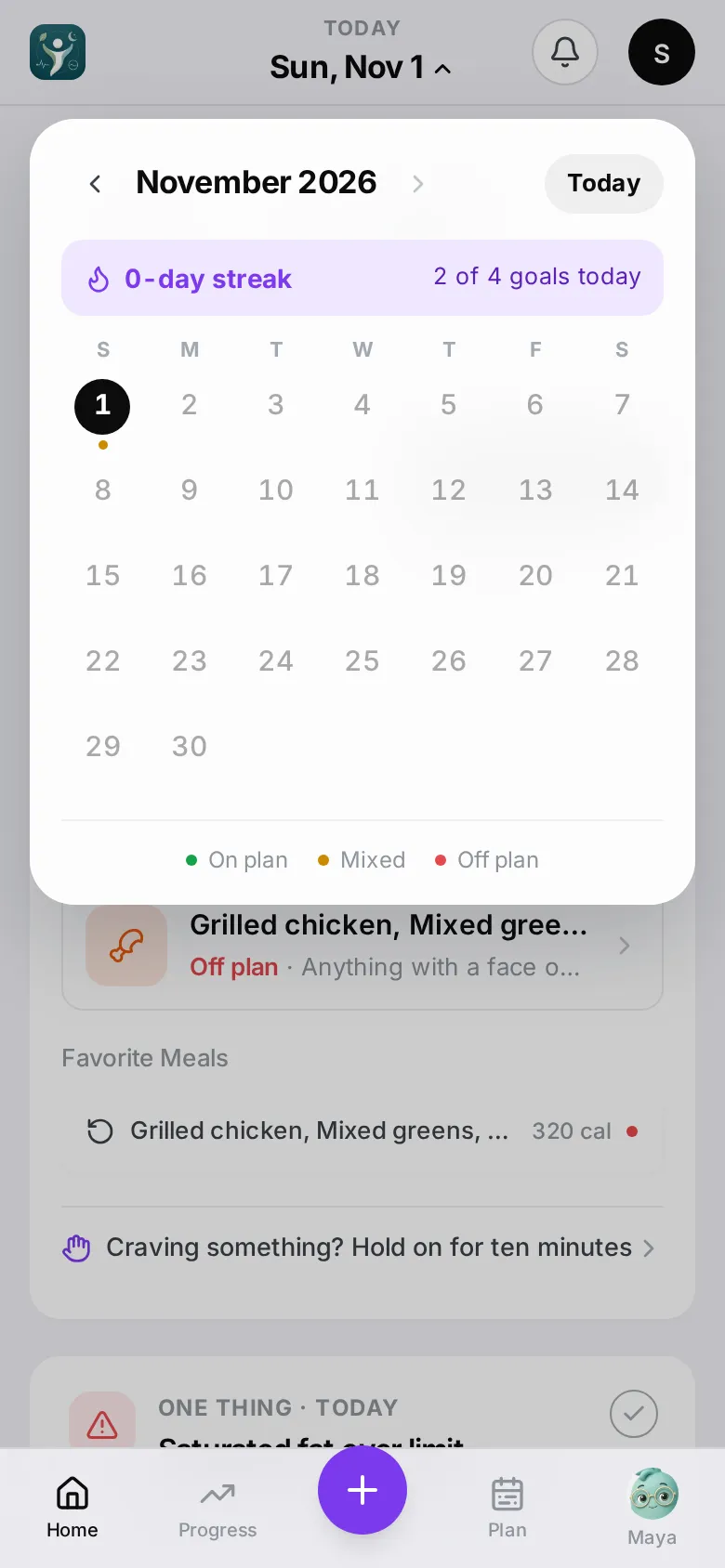
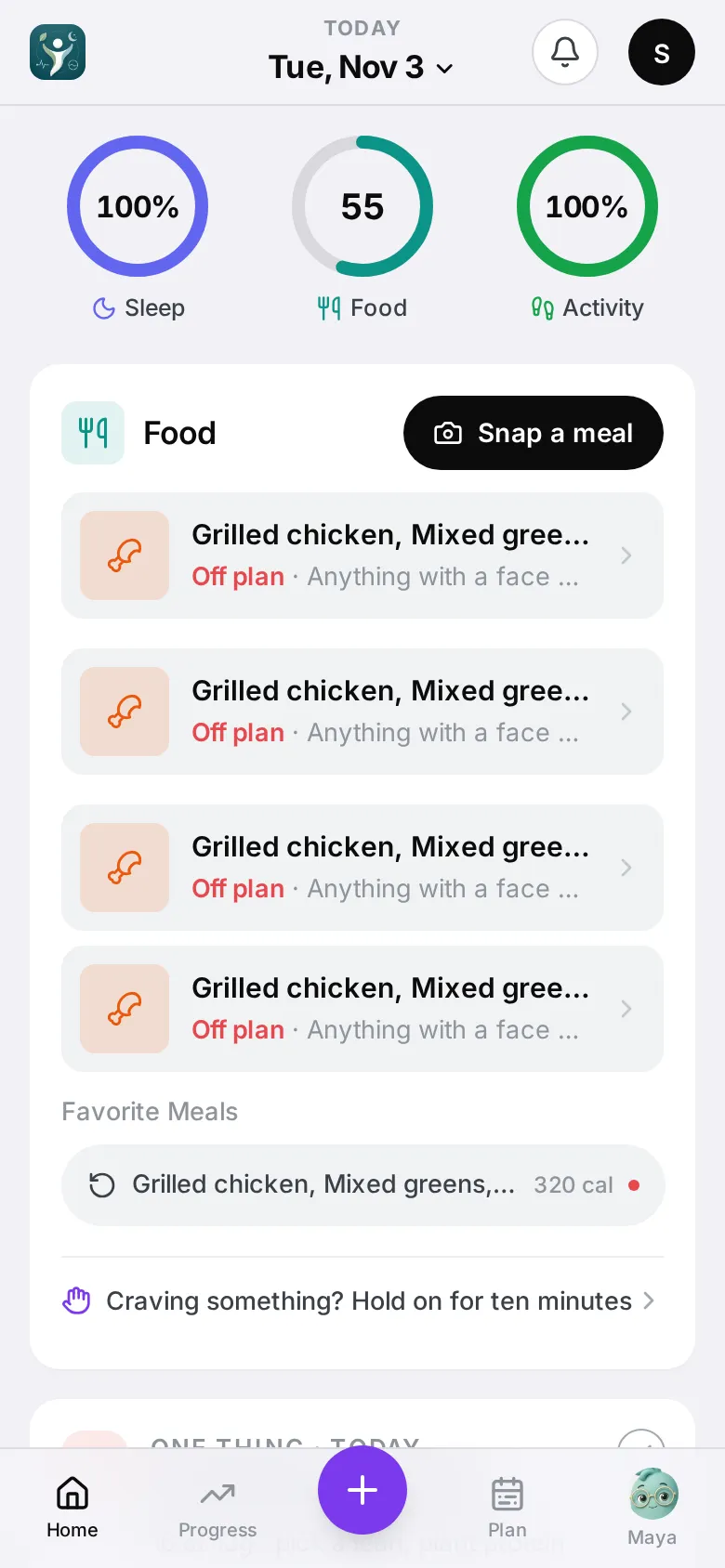
The date at the top (it says Today or the day’s name) opens a calendar. Each day has a coloured dot: On plan, Mixed or Off plan. You can’t pick a day in the future. Tap Today to come back.
You can also swipe left or right on the date or the rings to step a day back or forward. Your streak and its freezes are at the top of the calendar.
Five cards
Home is five cards, top to bottom: your rings, your Food, One thing, Calories with three nutrients, and Body.
Daily rings
Up to four rings: Sleep, Food, Activity and Recovery. With Apple Health or WHOOP connected you always see all four, and a dash means there’s no data for that day yet. Without one, Home shows only the rings you have something for: Food, plus Sleep or Activity on a day you add them by hand. Recovery appears once a health app or WHOOP is connected.
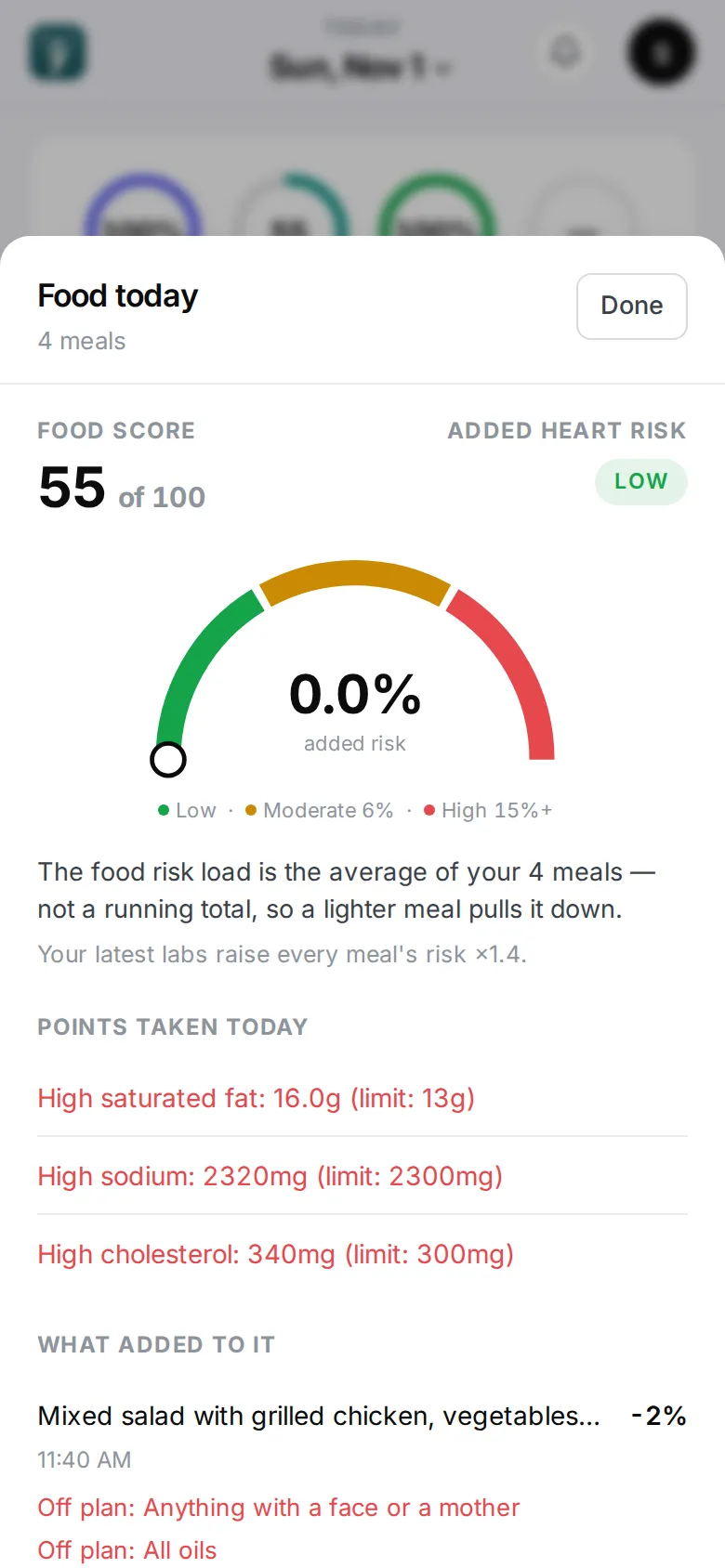
- Tap Food for Food today: your food score and what took points off, the added risk to your heart or blood sugar (averaged over your meals and adjusted by your labs), the meals that added to it and what helped. Ask Maya to explain opens a conversation about it.
- Tap Sleep, Activity or Recovery to see what the ring measures, how it’s calculated against your targets, and your progress. See Water, sleep, activity and recovery.
Sleep and activity come from Apple Health or WHOOP, or you can add them by hand. Recovery needs Apple Health or WHOOP.
Food
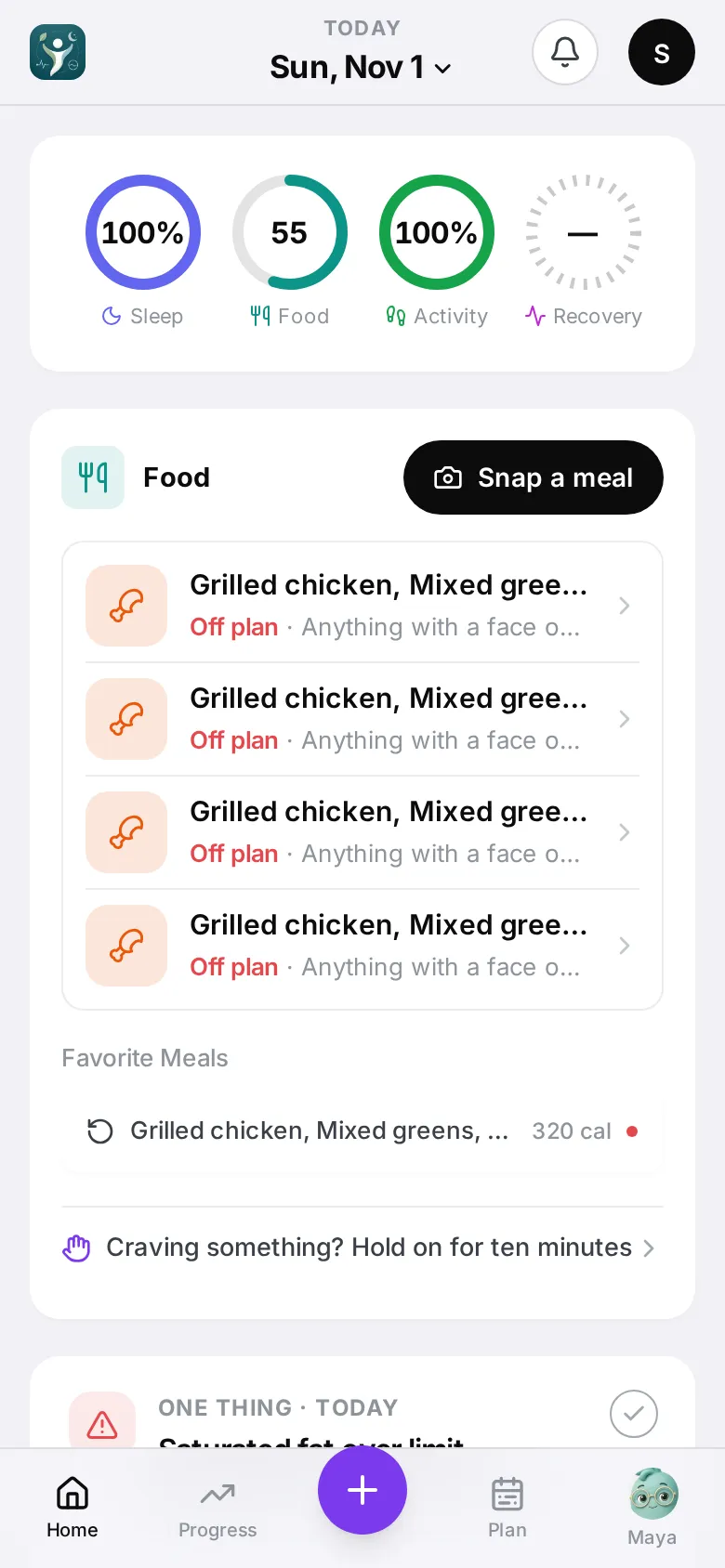
Snap a meal opens the camera (see Quick check); the + in the bar below opens the log sheet to type, speak or scan. Below it: a Next line with a meal from your plan that fits what’s left today (tap Log it if you ate it), today’s meals grouped into morning, afternoon and evening, your Favorite Meals, and Craving something? Hold on for ten minutes, which starts the hold.
One thing
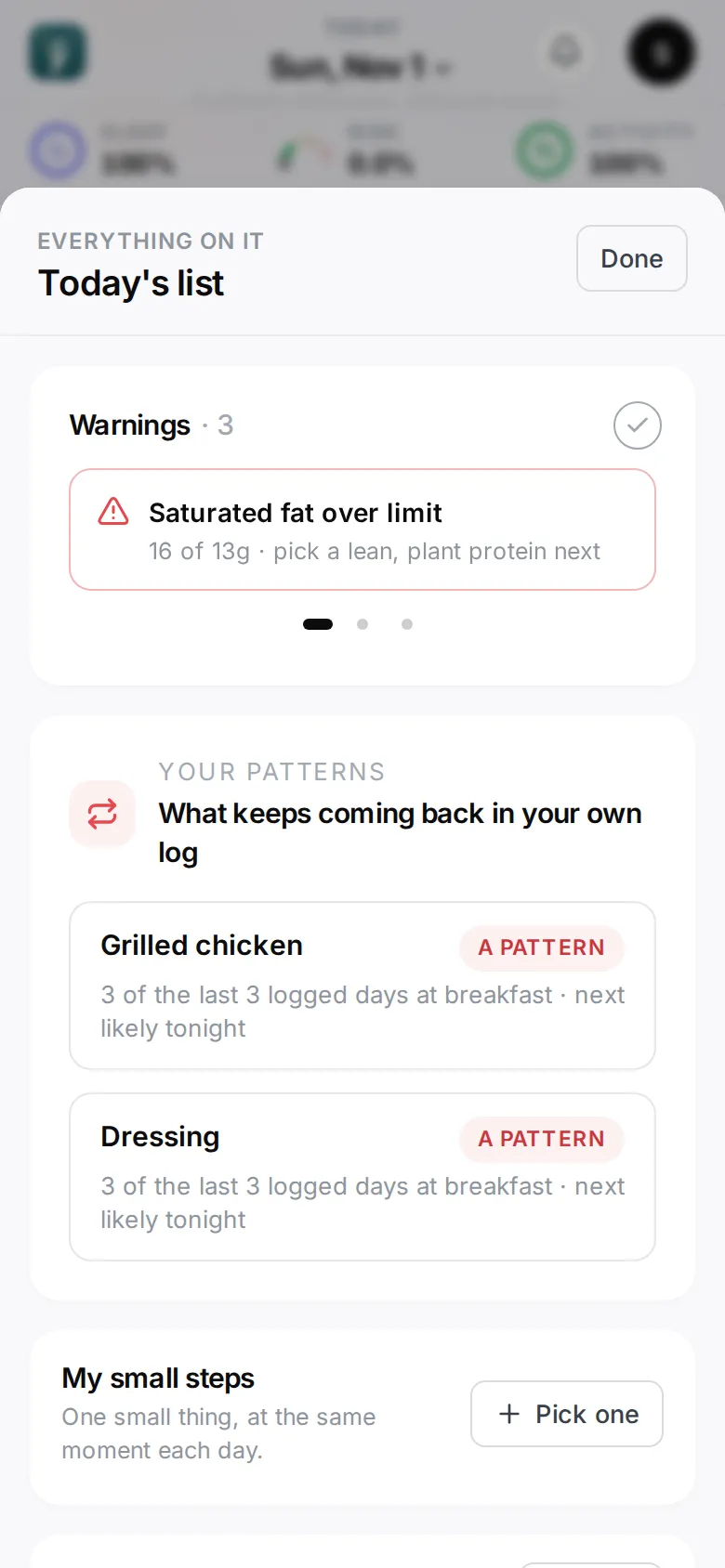
One note with one button, picked in this order: a limit you’ve crossed today, a pattern that usually comes back tonight, an offer to turn notifications on (once you’ve logged a meal, until you’ve said Not now twice), a small step you haven’t ticked yet, or yesterday’s Daily brief. The tick marks a warning or the brief as seen; it stays hidden on this phone until there’s something new. Tap More for the whole list: warnings, your patterns, your small steps (with Pick one), your craving plan, and the brief.
Further down
- Calories and nutrient tiles — the three nutrients that matter most, and All nutrients for the rest.
- Water, sleep, activity and recovery — the Body card.
- Goals, streaks and badges
- Hard moments and cravings