
Water, sleep, activity and recovery
Track glasses of water, add sleep or a workout by hand, and understand your Recovery score.
Water
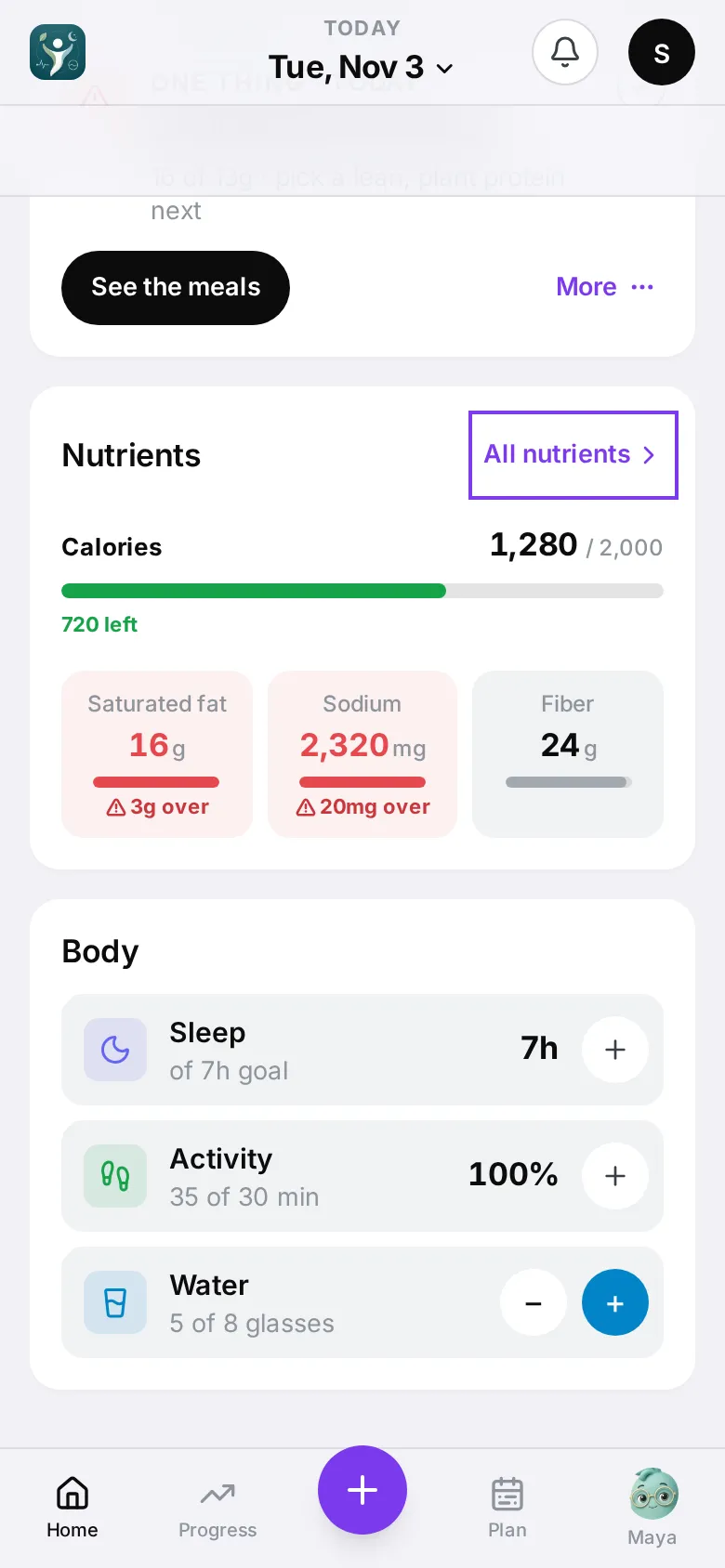
Sleep, activity and water share one Body card on Home. Recovery is the ring at the top of Home — tap it for the details. On the Water row, tap + to add a glass and − to remove one. The goal is 8 glasses.
On Apple Watch you can add water from the Water page too.
Sleep and activity
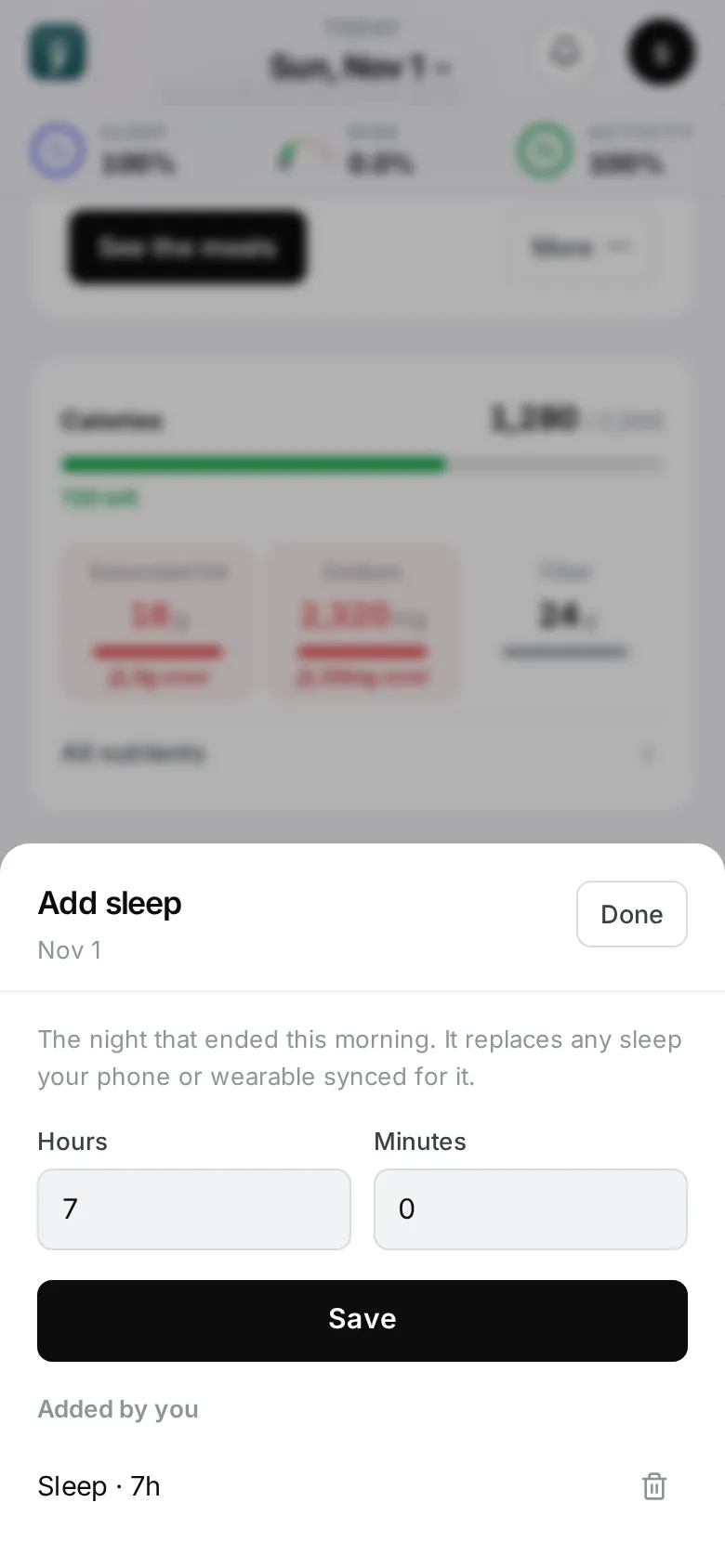
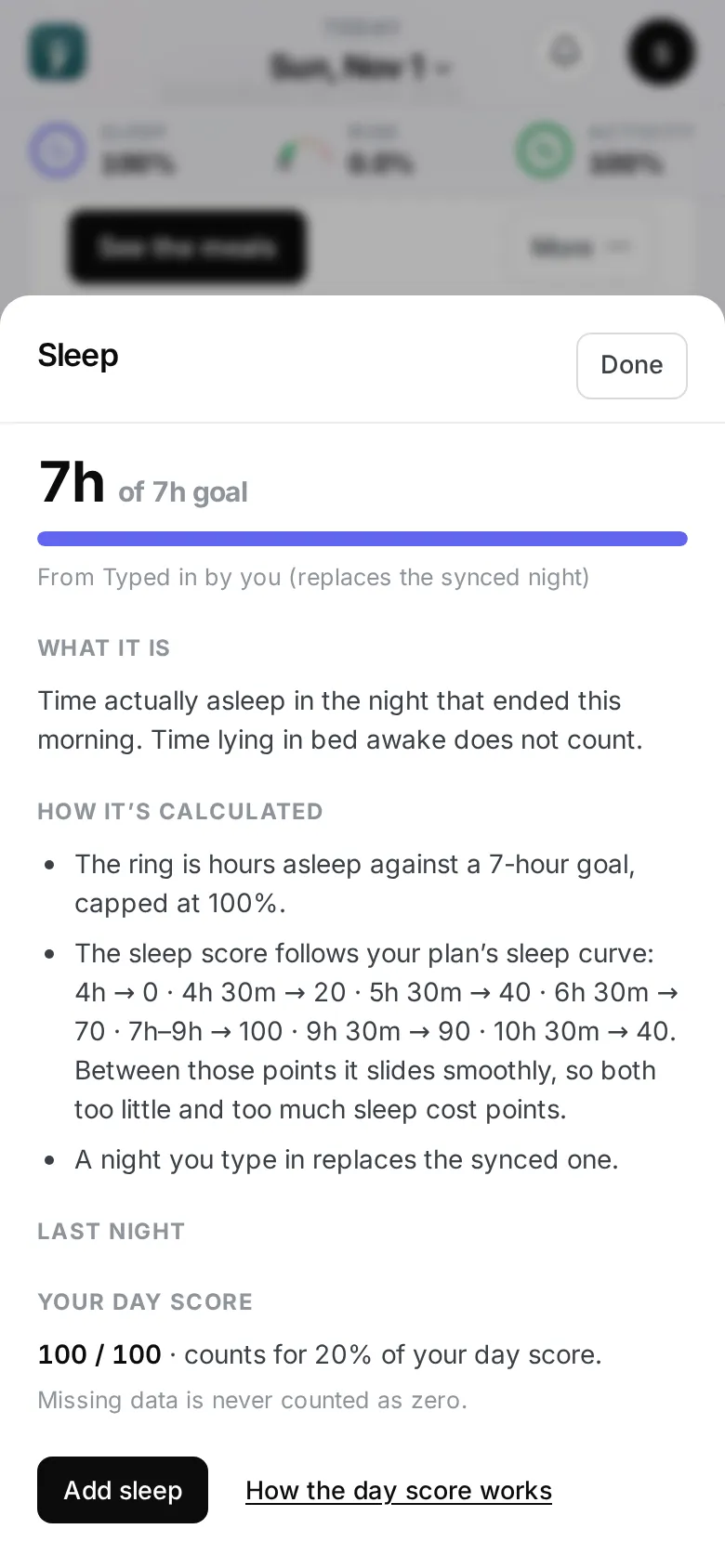
If you’ve connected Apple Health or WHOOP, these fill in on their own.
To add them by hand:
- Tap + on the Sleep or Activity row of the Body card.
- Add sleep: hours and minutes. Add activity: the workout (Walk, Run, Cycle, Strength, Yoga or Other) and minutes.
- Tap Save.
Your entries are listed under Added by you, where you can delete them. Sleep you add replaces the synced night for that day; workouts you add are counted on top.
Recovery
Recovery (0–100) compares your heart-rate variability, resting heart rate, breathing and sleep with your own usual — not with other people.
- Green (67–100) — well recovered.
- Yellow (34–66) — recovering.
- Red (0–33) — under strain.
Tap the Recovery row or ring to see what raises it, what lowers it, and What this means today. It needs a watch or tracker that measures heart-rate variability.
How the day score works
Your day score blends food (half), sleep, activity and recovery. Only the parts you have data for count. Tap How the day score works in any ring’s detail for the full explanation.