
Log again and favorite meals
Re-log a meal you eat often in one tap, change something in it, or save it as a favorite.
Log a meal again
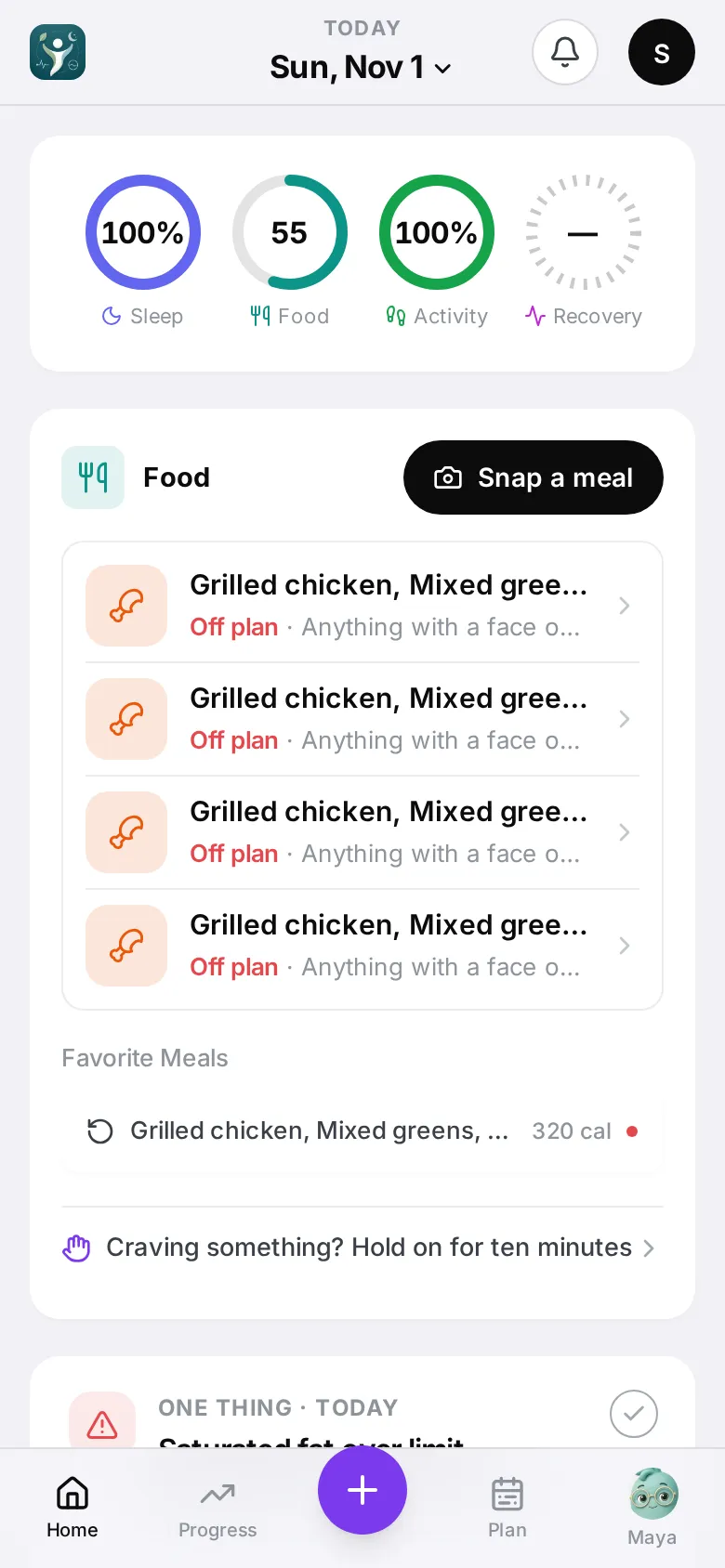
Meals you eat often show up as chips — under Favorite Meals on the Home Food card, and at the top of the log sheet.
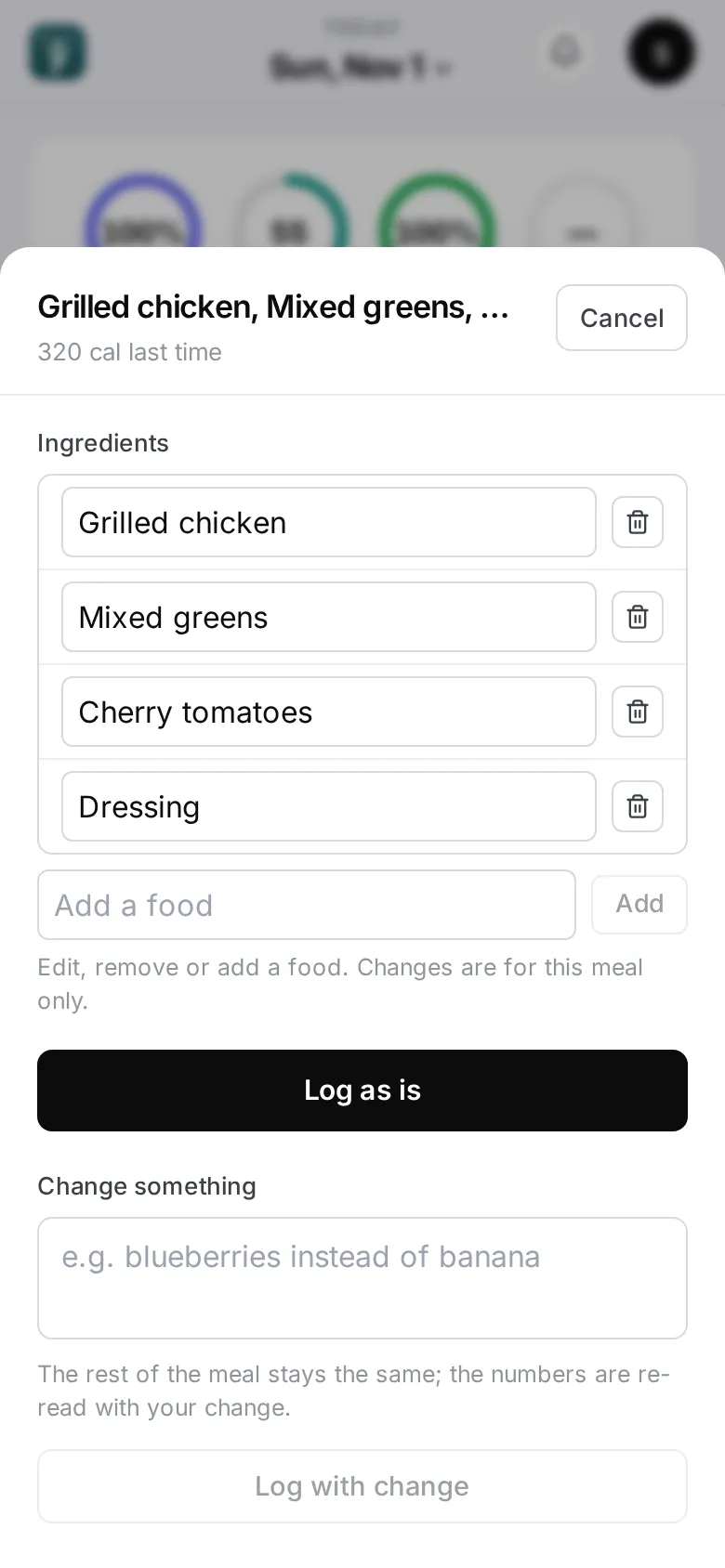
- Tap a chip. The sheet shows the meal’s name, its calories last time, and its ingredients.
- Tap Log as is.
It’s logged instantly — no reading, no wait — and judged against today. Undo appears for a few seconds if you tapped by mistake.
Change something
- Adjust the ingredients: remove a food with the bin, or Add a food. When the app has grams for the meal you can also change them with − and +. Then tap Log with my changes.
- Describe the change: tap Change something, write e.g. “blueberries instead of banana”, then Log with change. The app re-reads it with your change.
Save a favorite
- Open the meal from Home.
- Tap the star at the top (Save this meal).
- Give it the name you call it (Call it what you call it) and tap Save meal.
Saved meals are marked ★ and always come first among the chips. To stop, tap Unpin in the Log again sheet, or Remove from saved on the meal.