
Getting started
Create your account, answer three quick questions, and find your way around the app.
Get Aware on your iPhone
Aware is in testing, so the iPhone app comes through Apple’s TestFlight. When a friend invites you:
- Open their invite link, type your first name and email, and tap Create my account.
- Two emails follow. One has your temporary password. The other is from TestFlight: open it on your iPhone and tap View in TestFlight. Install the free TestFlight app if asked, then tap Install next to Aware. The TestFlight email can take up to a day to arrive.
- Open Aware and sign in with the temporary password. You’ll choose your own password right away.
No iPhone? Sign in on the web with the same email and password.
Create your account

- Open the app and tap Get started.
- Fill in your name, email and a password (at least 8 characters, with an uppercase letter, a lowercase letter, a number and a symbol), and pick the cuisine you eat most.
- Tap Create account. We email you a code — type it under Verification Code and tap Verify email.
Already have an account? Tap Already have an account? Sign in. You can also use Sign in with Google, or Sign in with Apple on iPhone.
Didn’t get the code? Tap Resend verification code, and check your spam folder.
Three quick questions
The first time you sign in, the app asks three things so it can judge meals against the right plan:
- About you — sex, age, height and weight. Tap a row to pick a value, then Done.
- Anything you’re managing? — pick all that apply: Heart disease, Diabetes, Weight management or Improve my health.
- How do you eat? — Vegan, Vegetarian, Pescatarian, Low carb, Keto or None of the above.
Tap Finish and the app shows Your nutrition plan — the guideline your meals are scored against. You can tap Skip for now on any page and fill it in later under Profile.
Finding your way around
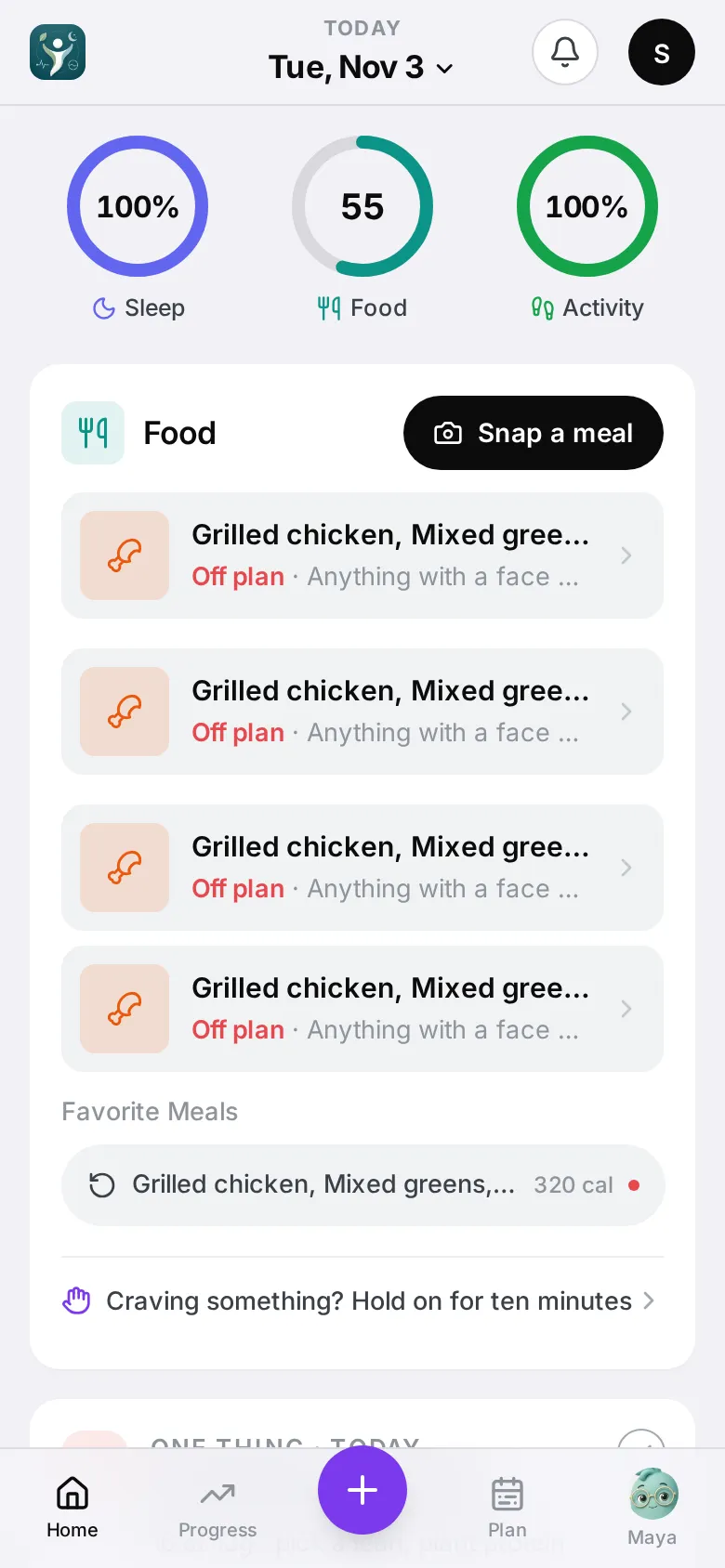
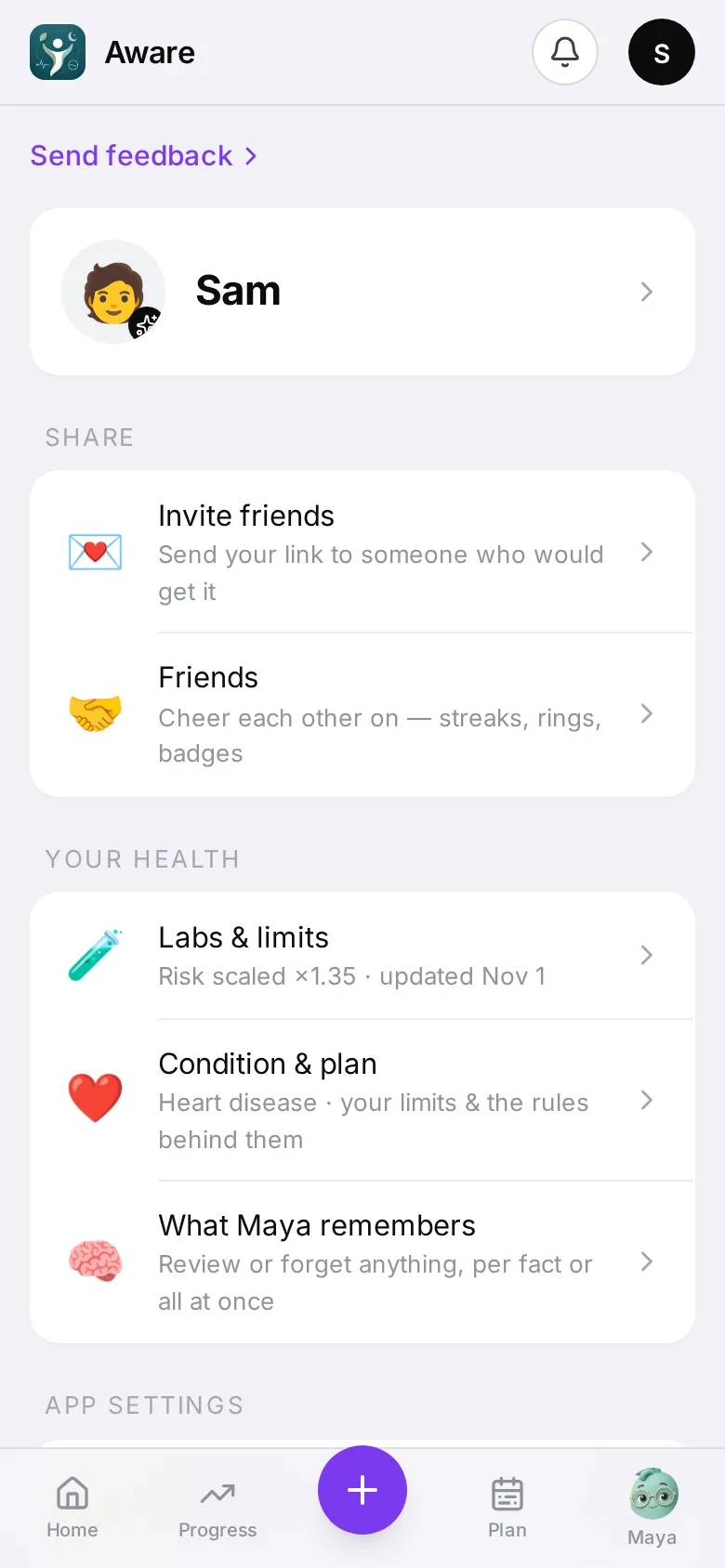
On a phone, the bar at the bottom has five buttons:
- Home — your day: rings, meals, water, sleep and activity.
- Insights — how your weeks and months are going.
- + — log a meal.
- Plan — what to eat next, your week’s meal plan and groceries.
- Maya — your coach. A small number on her picture means she has something to tell you.
Your Profile is the round letter at the top right. That’s where labs, your condition, devices, reminders and your account live.
Do these two things next
On the Home screen, under Make it yours:
- Add lab results — your cholesterol and HbA1c tighten your daily limits. See Labs and daily limits.
- Connect Apple Health or WHOOP — fills in sleep, activity and recovery. See Apple Health and WHOOP.
Then log your first meal.
HealthAware gives food guidance, not medical advice. Talk to your clinician before changing your diet or medication.