
Versions, updates and what's new
See which version you have, read what changed, and update when a newer TestFlight build is ready.
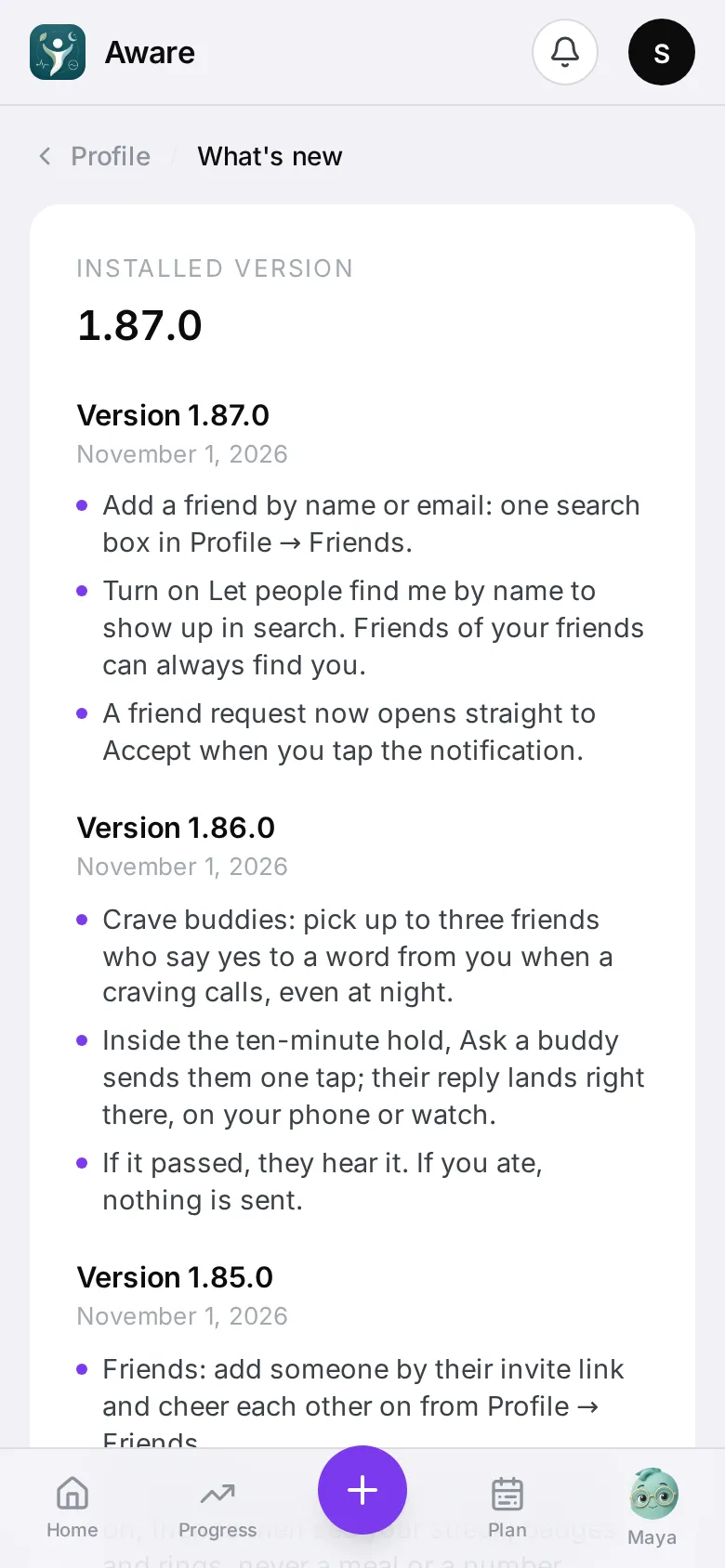
Which version you have
The version is at the bottom of Profile. Tap it to open What’s new: your installed version at the top, then every version’s changes in plain words, newest first. The same notes are on this site under What’s new.
After an update
The first time you open a new version, a short What’s new in ‹version› sheet lists what changed since the version you had. Tap Got it; it won’t show again for that version.
A newer version is ready
The app ships through TestFlight. When a newer build has been published, an A new version is available sheet appears when you open the app, with what’s new in it:
- Update opens TestFlight so you can install it.
- Later hides the sheet for a day. The app keeps working on the version you have — an update is never forced.