
← Help · Notifications & reminders
The notification bell
Every notification the app sent you, readable in full, with a way back to the meal, note or pattern it was about.
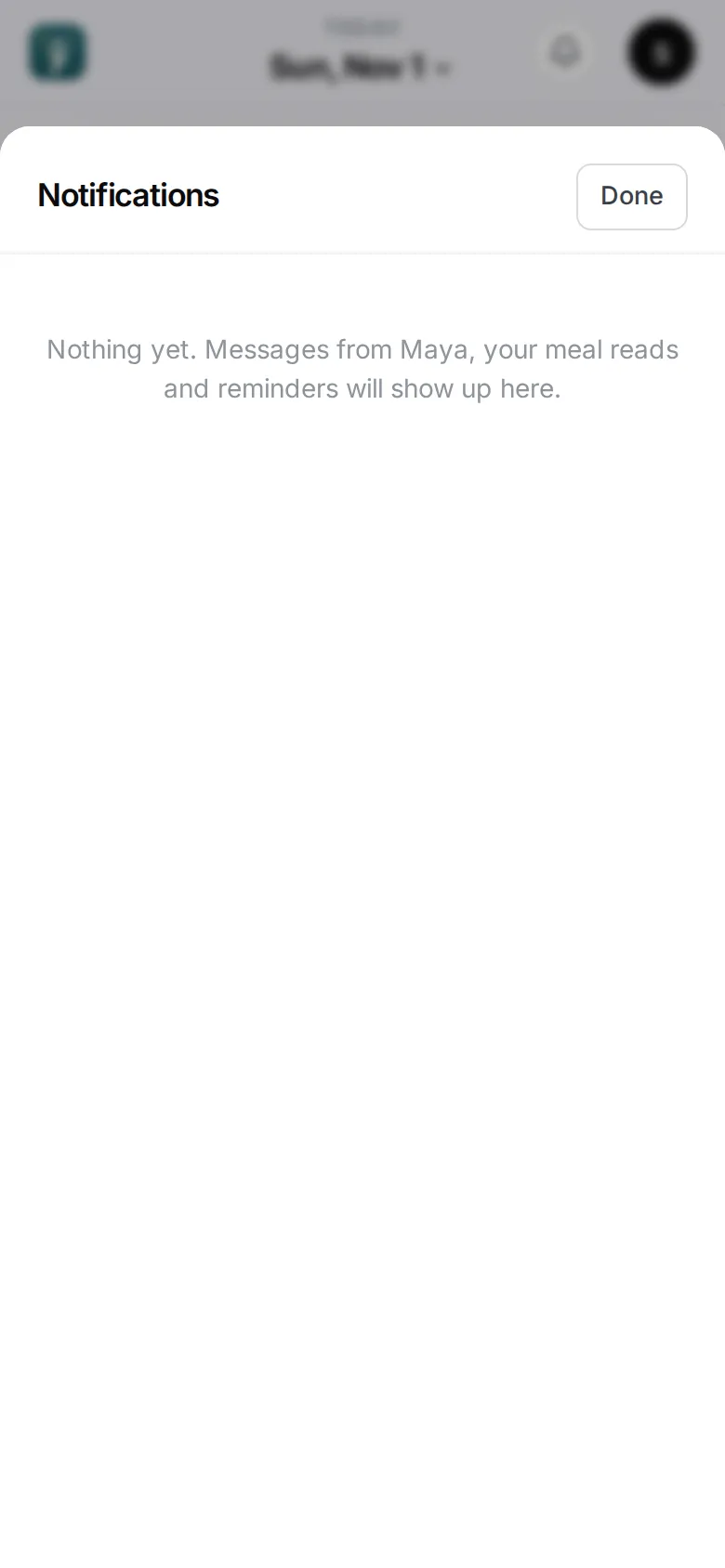
A phone notification is easy to swipe away. Everything the app sent you is kept behind the bell at the top of the screen, so you can read it in full later.
Open it
Tap the bell. A dot on it means something is unread. Notifications are grouped by day — Today, Yesterday, then earlier dates.
What’s in it
Everything that reached your phone: meal reads, Maya’s notes, pattern nudges and their follow-ups, reminders, pillar check-ins, habit reminders and the evening heads-up.
Each one has a way back to what it was about — Open the meal, Open Maya’s note, See the pattern, Open the habit, Open Today or Open Insights.
A check-in also has +1 glass when you’re behind on water, and Ask Maya. Ask Maya and Talk to Maya open a new conversation with that notification shown at the top, so Maya knows what you’re asking about. Type your question; nothing is sent until you do.
Read and unread
Tapping a notification on your phone opens the center on that message and marks it read. Inside the center, Mark all read clears the dot.
Which notifications you get at all is set in Notifications and reminders.