
Talk to Maya, your coach
Ask Maya about your own meals, numbers and plan — or have her log, fix or plan things for you.
Maya is an AI coach. She can see your meals, limits, plan, groceries and health data (never your raw lab values), and answers in plain words.
Open Maya
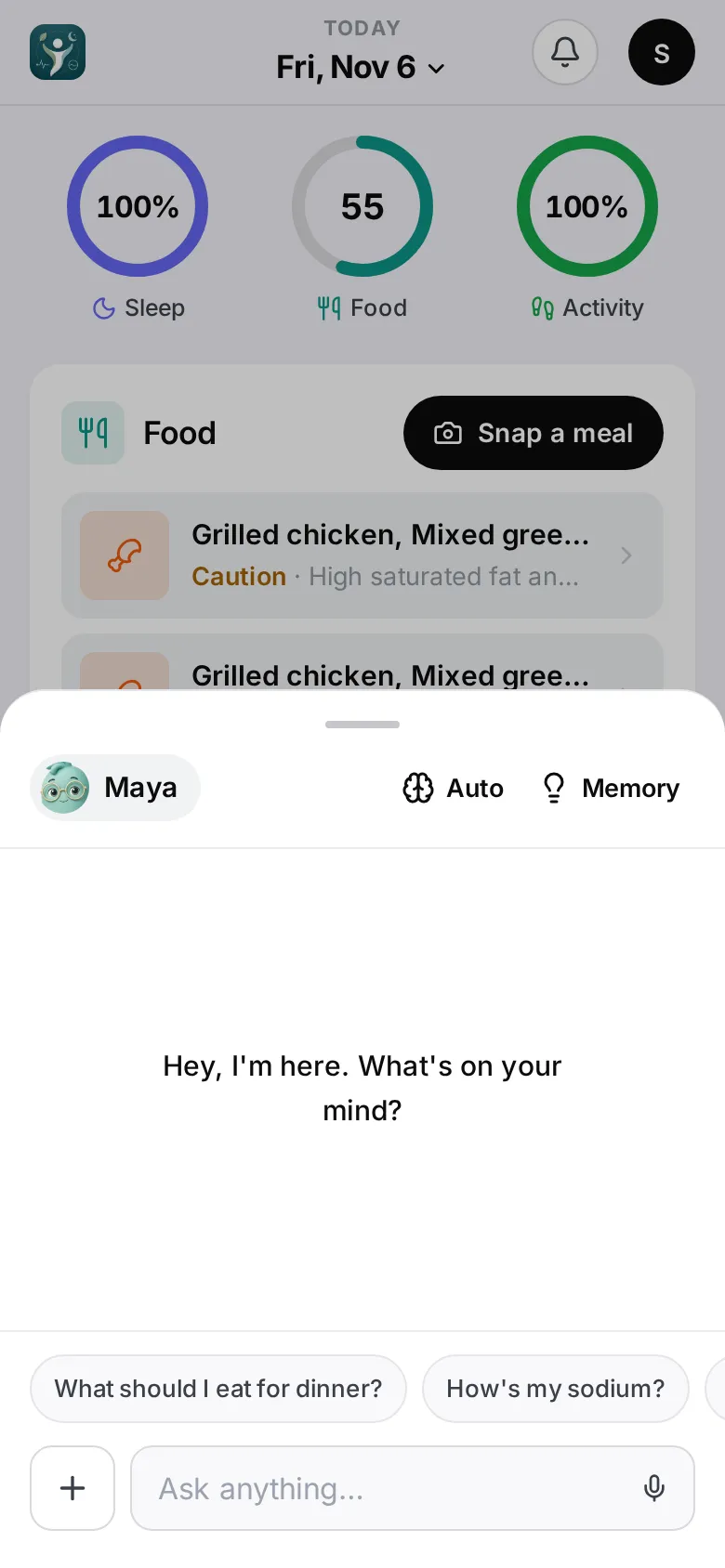
- Tap Maya in the bottom bar (on a computer, the Maya button at the top), or
- tap any Ask Maya… button — on a meal, the risk sheet, a pillar screen or your plan. These start a conversation already about that thing.
- tap Ask Maya on a check-in, or Talk to Maya on one of her notes (on your phone or behind the bell). The notification is shown at the top of a new conversation, and Maya knows that’s what you’re asking about.
On a phone Maya opens as a half-height sheet — she waves hello on a new conversation. Drag it up for full screen, or down to close. Memory at the top opens what she remembers (see What Maya remembers) and your chat history.
Maya also knows your recurring habits — the patterns Progress shows — and your plan for hard moments, so you can ask “why does Tuesday go wrong?” or say “I slipped”.
Ask anything
Type in Ask anything… and tap Send, or tap the microphone (Talk to Maya) to have a spoken conversation — see Talk with Maya below. Not sure where to start? Try one of the suggestions: “What should I eat for dinner?”, “How’s my sodium?”, “How am I doing today?”.
Good things to ask:
- “Why was lunch off plan?”
- “What in my dinner raised my cholesterol?” — Maya sees the same food breakdown you see on the meal page. She mentions amounts only for meals you’ve checked with Looks right or edited.
- “How much sodium is in miso soup?”
- “Is there research that oats lower cholesterol?” — Maya searches PubMed, the public library of medical research, and tells you what a study found, naming it and linking it. One study is one study: your plan stays the plan, and a question about a medication still goes to your doctor or pharmacist.
- “Compare this week with last week.”
- “What can I cook with what I have?”
- “Plan tomorrow for me” or “Plan my week from my groceries” — Maya uses the same planner as the Plan tab and tells you how each day adds up against your calories. If your plan looks short, ask “is my plan enough?”: she checks every day against your target and says which limit, if any, is holding it down.
- “How did I sleep this week?”
Talk with Maya
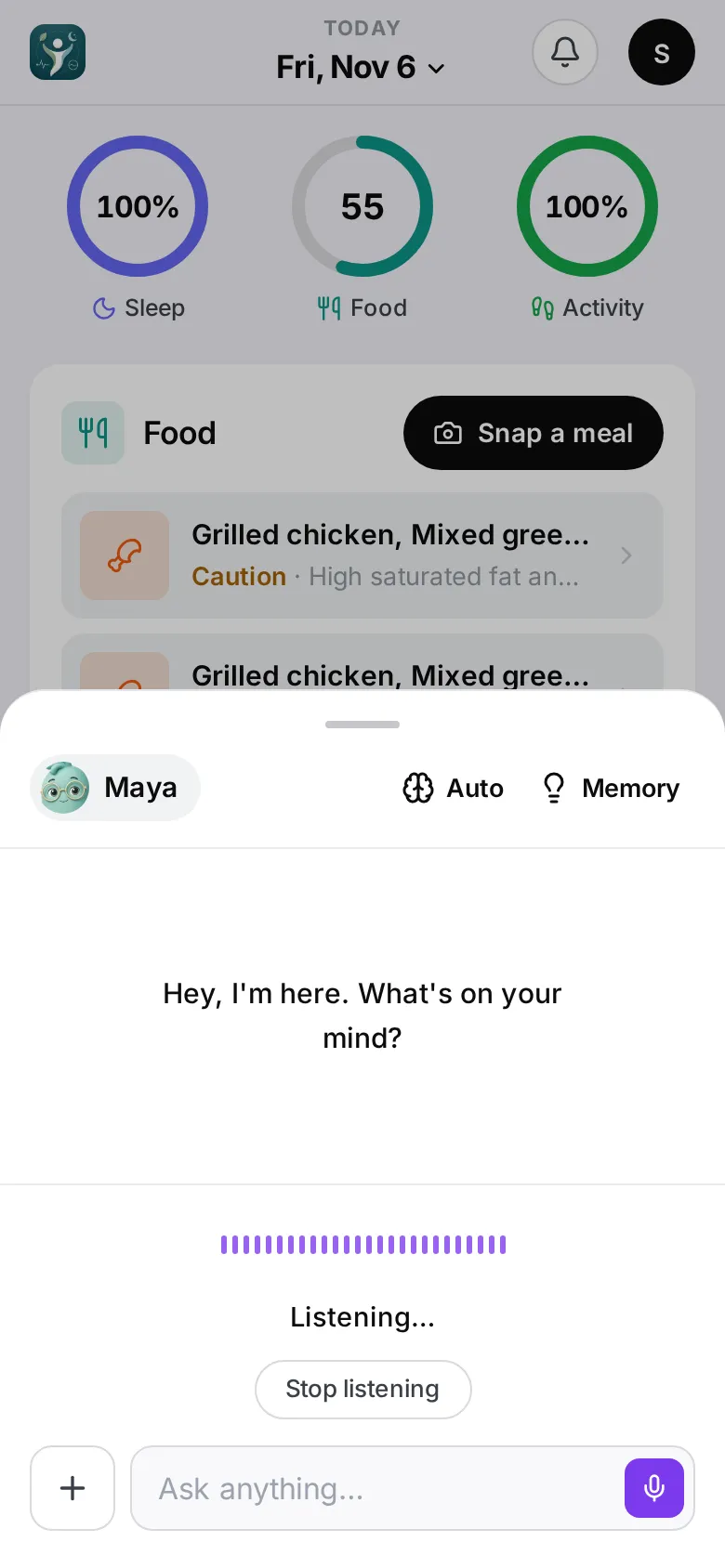
Tap the microphone in the message box and ask out loud. Maya listens until you pause, answers in her voice, then listens again — you can keep going without touching the phone. What you said and what she is saying appear under the waveform, and her full reply is in the chat like any other message.
- Tap Interrupt while she is talking to jump in with your next question.
- Stop listening ends the conversation; so does closing Maya.
- The first time, your phone asks to use the microphone. If you said no, turn it on in Settings and tap the microphone again.
Everything the chat can do works by voice: asking about your day, your habits or your plan, and having her log or change something. When she needs your OK she reads the card aloud — say yes to go ahead or no to cancel, or tap the card. A change that removes or replaces data (deleting a meal, replacing your plan) always needs a tap on Approve.
Talking time is limited to about five minutes a day. After that Maya keeps talking, using your phone’s own voice instead of hers, and the line under the waveform says so. Typing always works.
Have Maya do it
Maya can log a meal, log a usual meal again, fix or delete a meal, add lab results, plan a day or the week, and change your meal plan.
Before she changes anything she shows a card with exactly what she’s about to do. Tap Approve to go ahead, or Cancel — or, in a voice conversation, say yes or no. Nothing changes without your OK.
Start fresh
Tap New conversation next to the message box. Old conversations are under Memory → Chat History — see What Maya remembers.
What Maya won’t do
Maya is not a doctor. She won’t advise on medication or doses, diagnose, or suggest extreme diets. If you describe emergency symptoms she’ll tell you to call emergency services first.
On Apple Watch
The watch has a Coach page where you can ask Maya questions. On the watch she only answers — she can’t change anything.