
Insights
How your food, sleep, activity and recovery are going over weeks, months and the year.
Tap Progress in the bottom bar (it was called Insights until the end of October 2026).
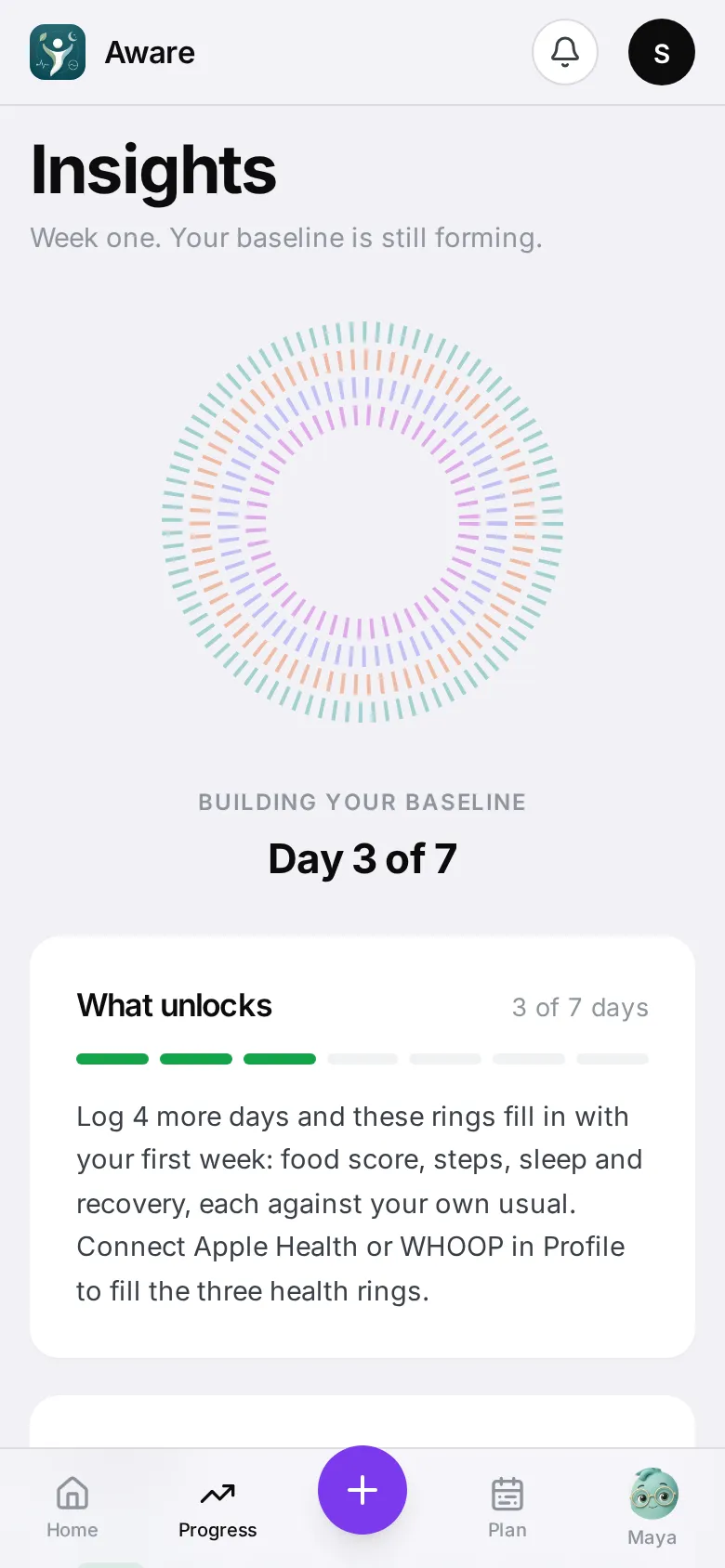
Your first week
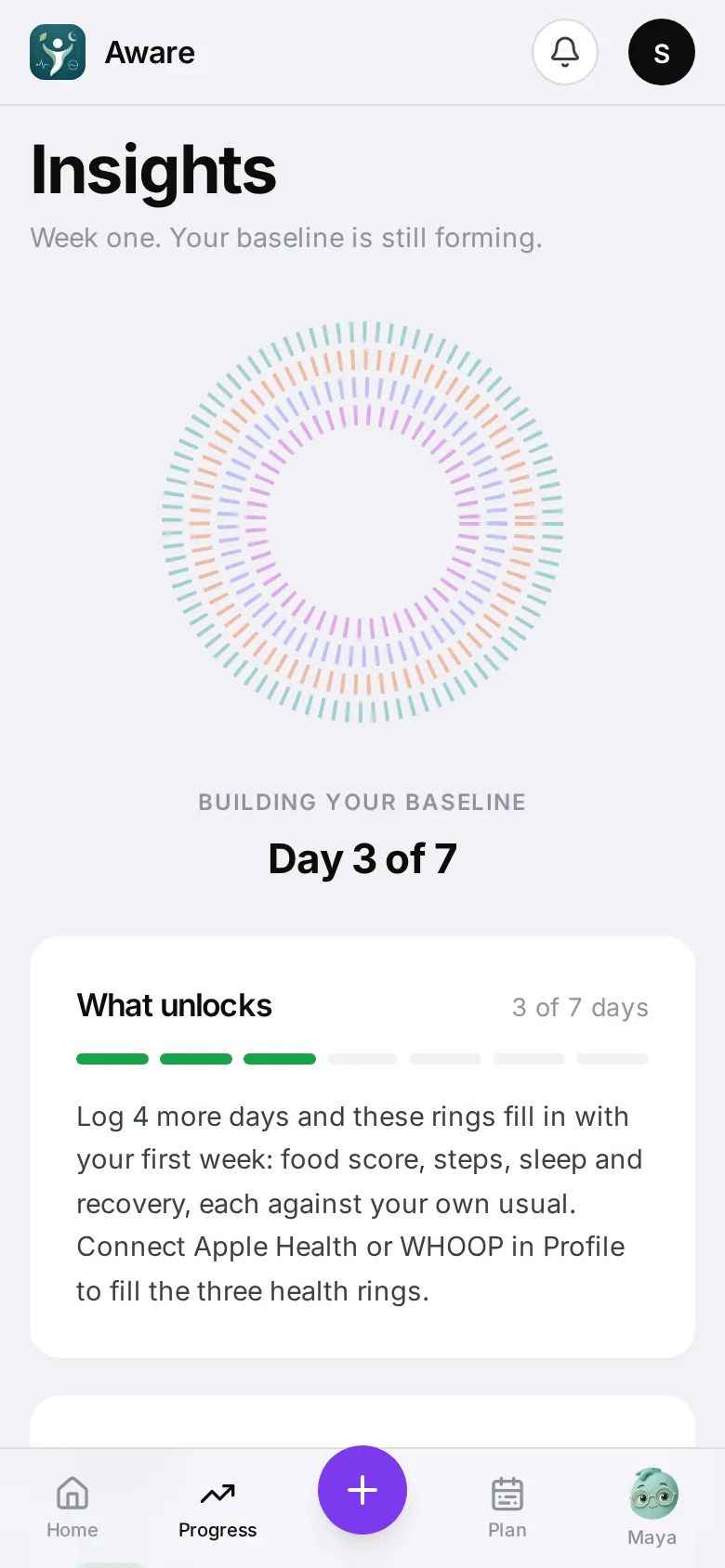
For the first 7 days you’ll see Building your baseline and what each day unlocks. After that, the full view appears.
The four pillars
At the top: rings and tiles for Food, Sleep, Activity and Recovery, with how each changed. Switch between Week, Month and Year.
Below them:
- Risk from food — how your food’s added risk has moved over time, named for your condition (heart risk with heart disease, glucose risk with diabetes). What moved this month shows the foods behind it.
- A chapter for each pillar — one plain sentence about how it’s going.
- The year grid — every square is one day. Tap a day to open it. Switch what it shows: day score, food, sleep, activity, recovery or risk.
- Earned — your badges, and Next up.
- Then vs now — how you’ve changed since you started.
A pillar’s own screen
Tap a pillar tile or chapter to open it. You’ll see its trend and details — for sleep, every night and your typical stages; for activity, your movement; for recovery, what’s behind the score.
The Food screen follows your condition
Tap Food to open its screen. Under the ring and chart, the first cards depend on the condition you picked in Profile → Condition & plan. On the main Progress page, the Food chapter quotes the first card’s headline.
Heart disease
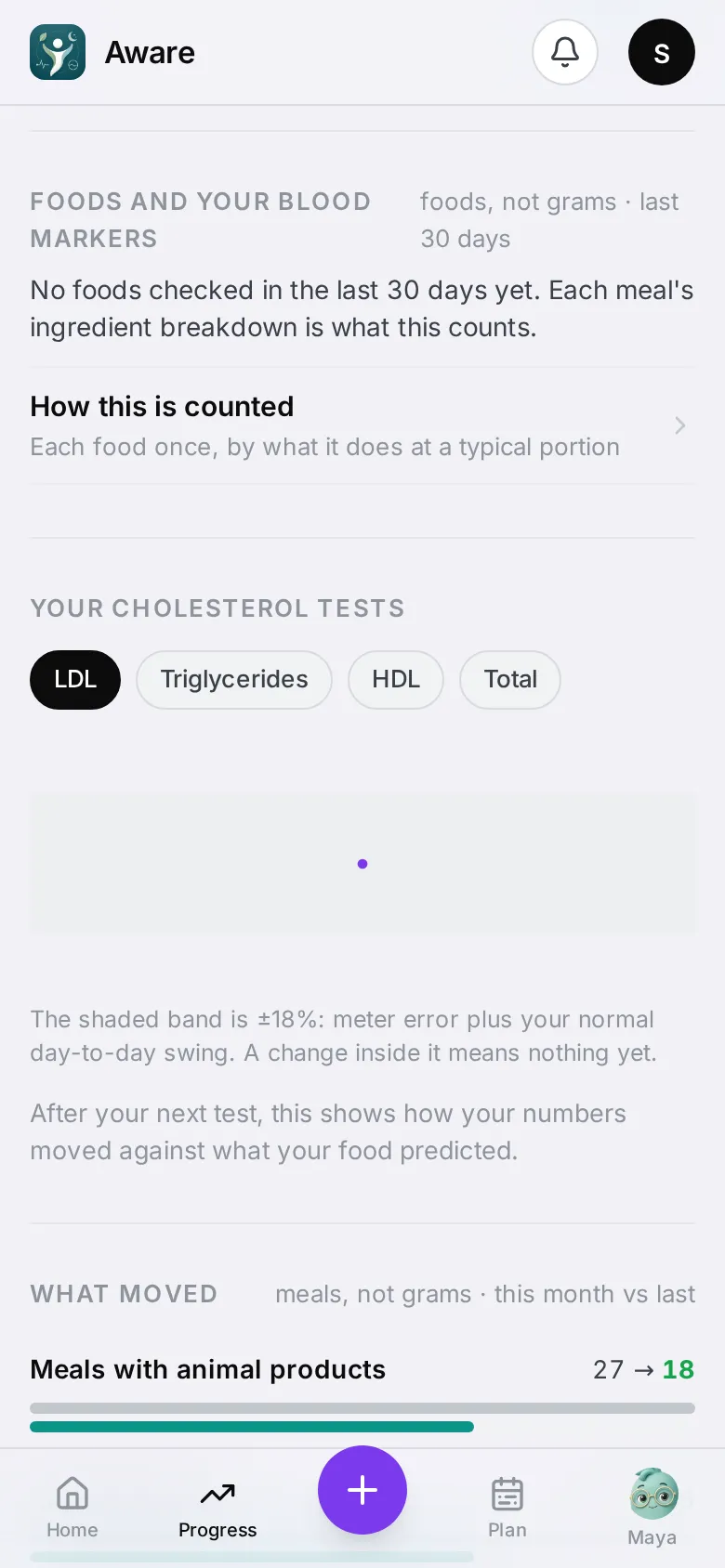
- Foods and your blood markers — how many of the foods you ate raised or helped LDL and triglycerides, with the foods that came up most. Tap a food to see every meal it was in, with the day and time; tap a meal to open it. All foods and their meals lists every food, not just the top three.
- Your cholesterol tests — your cholesterol results over time, once you’ve added one in Profile → Labs & limits.
Diabetes
- Foods and your blood markers, for blood sugar only.
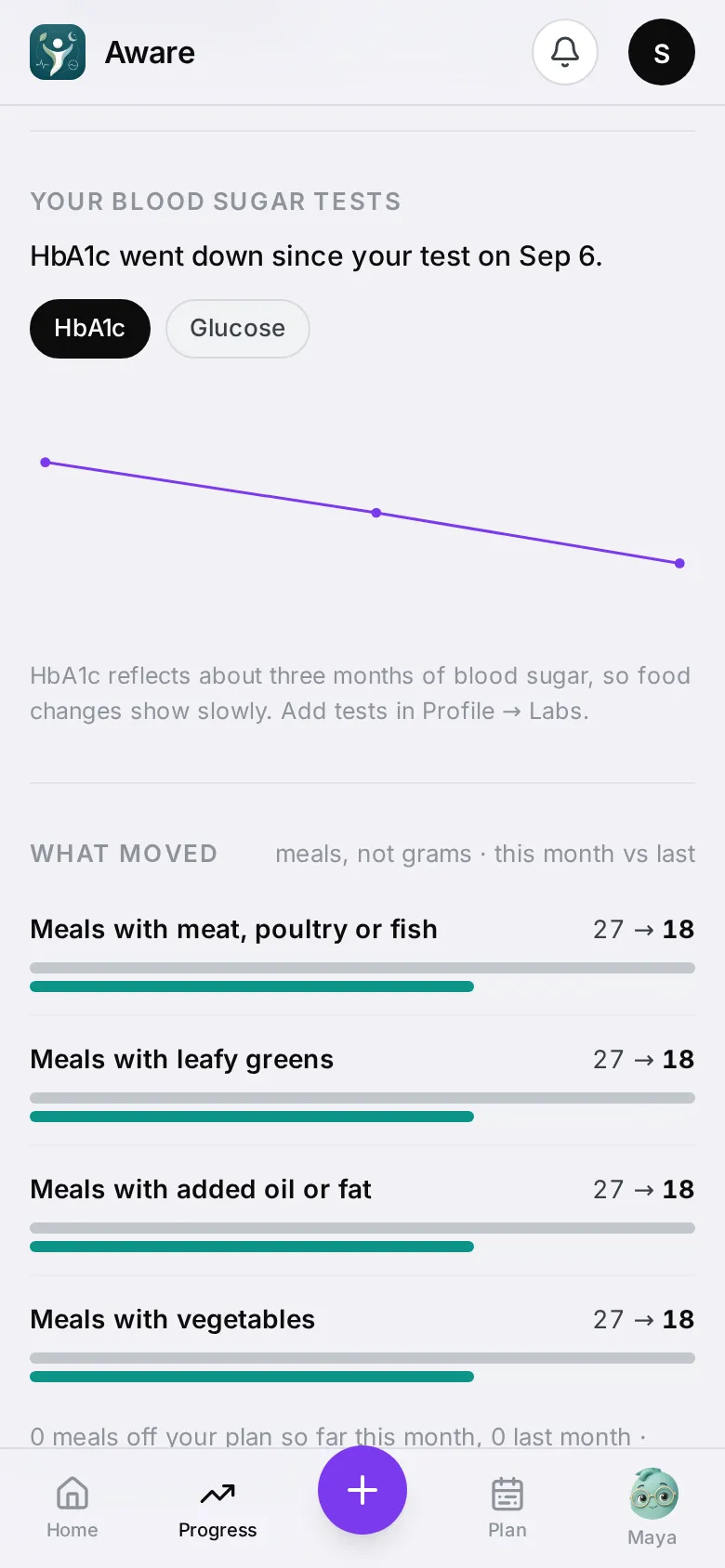
- Your blood sugar tests — your HbA1c results over time (and glucose, when your results include it), with a line saying whether the latest went up, down or held steady since the one before. HbA1c reflects about three months of blood sugar, so changes from food show slowly. It appears once you’ve added a result.
Heart disease + diabetes
Both: Foods and your blood markers for cholesterol and blood sugar, then Your cholesterol tests and Your blood sugar tests.
General health (“Improve my health”)
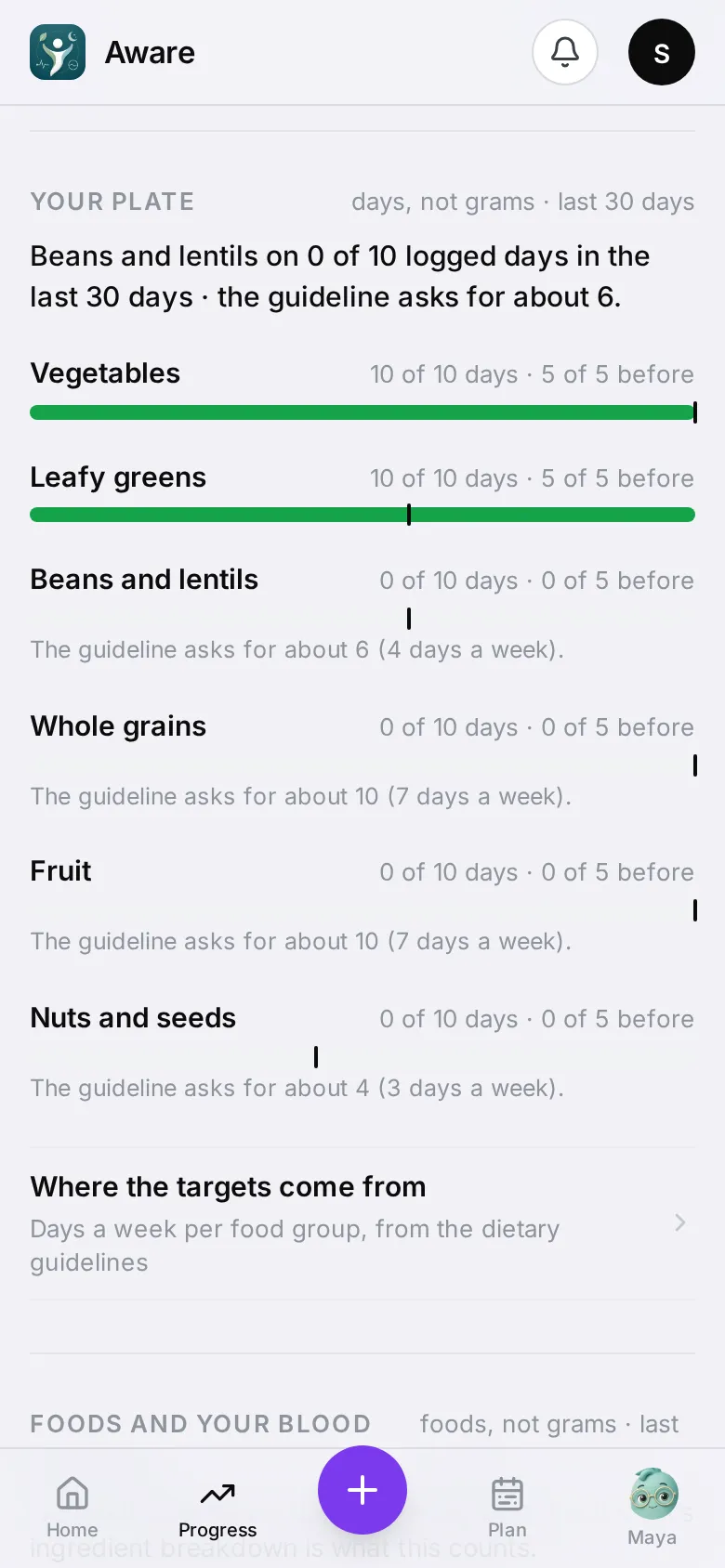
- Your plate comes first: for each food group the dietary guidelines ask for (vegetables, leafy greens, beans, whole grains, fruit, nuts and seeds), the number of logged days it was on, against how many the guideline asks for — the tick on each bar — and the period before. It also shows how often vegetables were a small side or missing at lunches and dinners built on a grain or starch, and To add: foods for your biggest gap, starting with ones you already eat. Where the targets come from lists each group’s days a week and its source.
- Then Foods and your blood markers and Your cholesterol tests.
Weight management
-
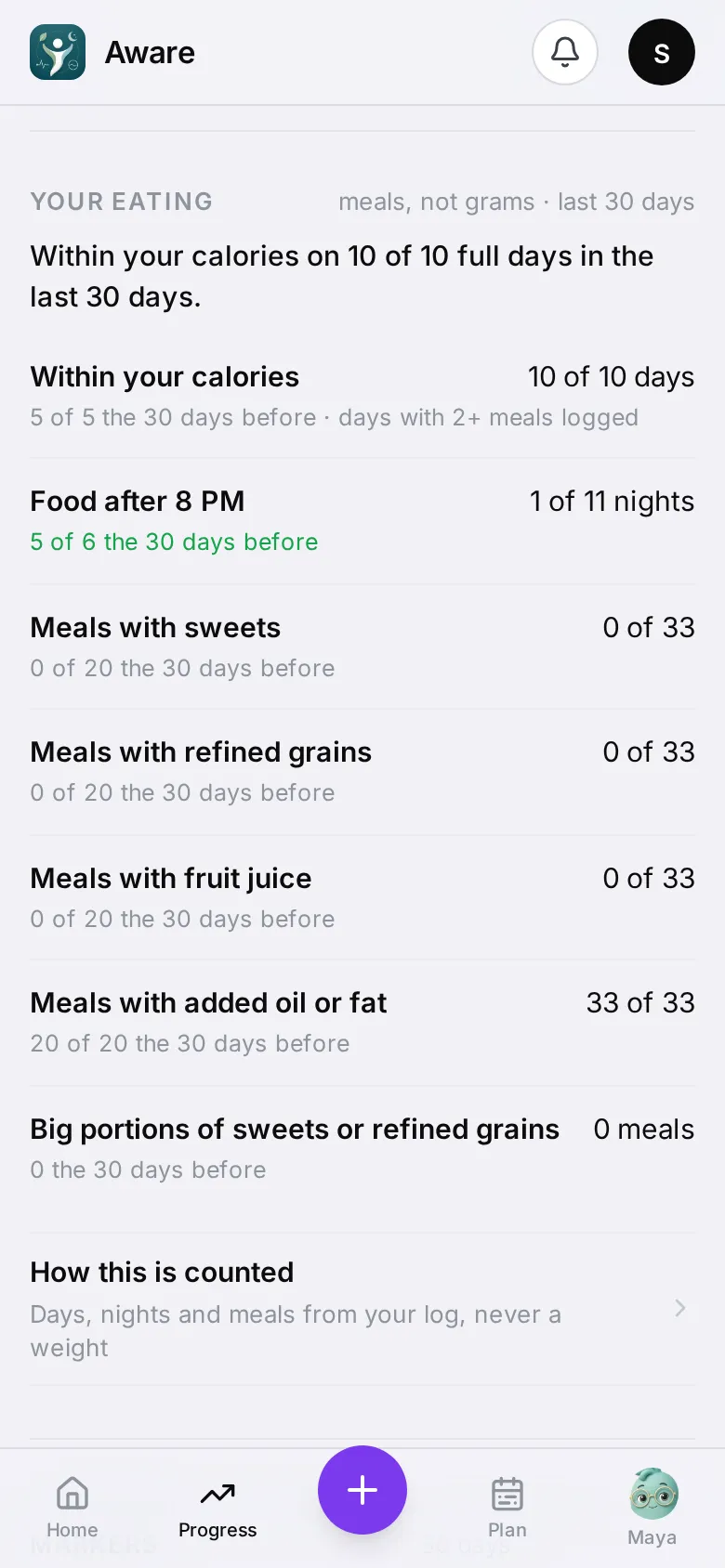
Your eating comes first. There is no weight number here — it counts what you ate:
- Within your calories — full days (days with at least two meals logged) that stayed at or under your calorie target, the number on Home.
- Food after 8 PM — nights you ate late. A snack after midnight counts toward the evening before.
- Meals with sweets, refined grains and other foods to watch.
- Big portions — meals with a big serving of those foods.
Each line shows the same count for the period before. How this is counted explains the rules.
-
Then Foods and your blood markers, for blood sugar only.
Counts are of days, nights and meals, never grams. Days with nothing logged are left out, so a day you didn’t log never counts against you.
Everything else on the Food screen
Whatever your condition, the Food screen also has:
- Your morning brief, with earlier days.
- What’s driving it — the patterns behind your food score.
- Pattern outcomes — patterns the app pointed out, and whether they changed.
- Pattern history — the recurring habits the app is watching (a late-night sweet, say). Tap one to see each night it happened and what came before it.
- Hard moments — what your cravings have in common, in your own numbers.
Each pillar screen has Ask Maya about ‹pillar›. Tap back to return to Insights.